🎉 AGMT v1.2.0 released! Check it out →
AGMT Documentation
AGMT Website 🌐AGMT Website 🌐 (opens in a new tab)
GitHubGitHub (opens in a new tab)
    • Introduction
    • Getting Started
    • How It Works
    • Features
    • Mapping Overview
      • Map
      • Navigation
        • Search Tool
      • Drawing
      • Drawing Tools
        • Polygon
        • Rectangle
        • Circle
      • Manage
      • Shapes
        • Shape Form
        • Actions
      • Teams
      • Category
      • Interfaces
        • Management Tool
        • Sidebar Panel
        • Planning Dashboard
      • Analysis
      • Insights & Data
        • Street Names
        • Address Counts
        • Data Source Indicators
        • Highway Types
    • Support
    • Troubleshooting & FAQ
    • Data & Licensing
Bug or suggestion? (opens in a new tab)Edit this page
Home
Mapping Overview

Features Overview

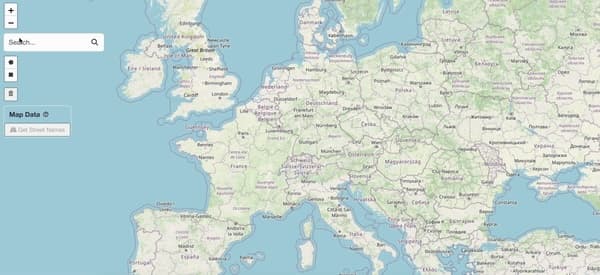
AGMT provides a complete toolkit for geospatial planning. Hover over any card below to preview the feature in action.
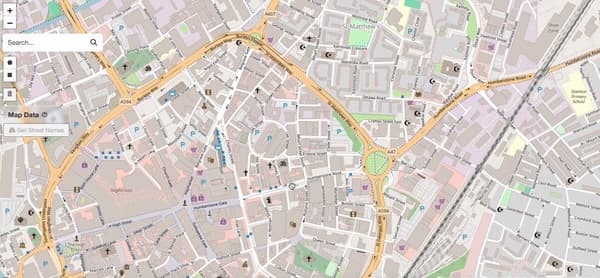
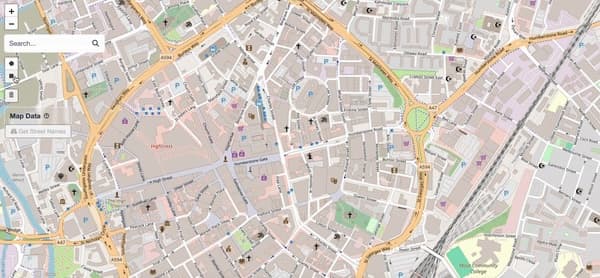
Map navigation demo
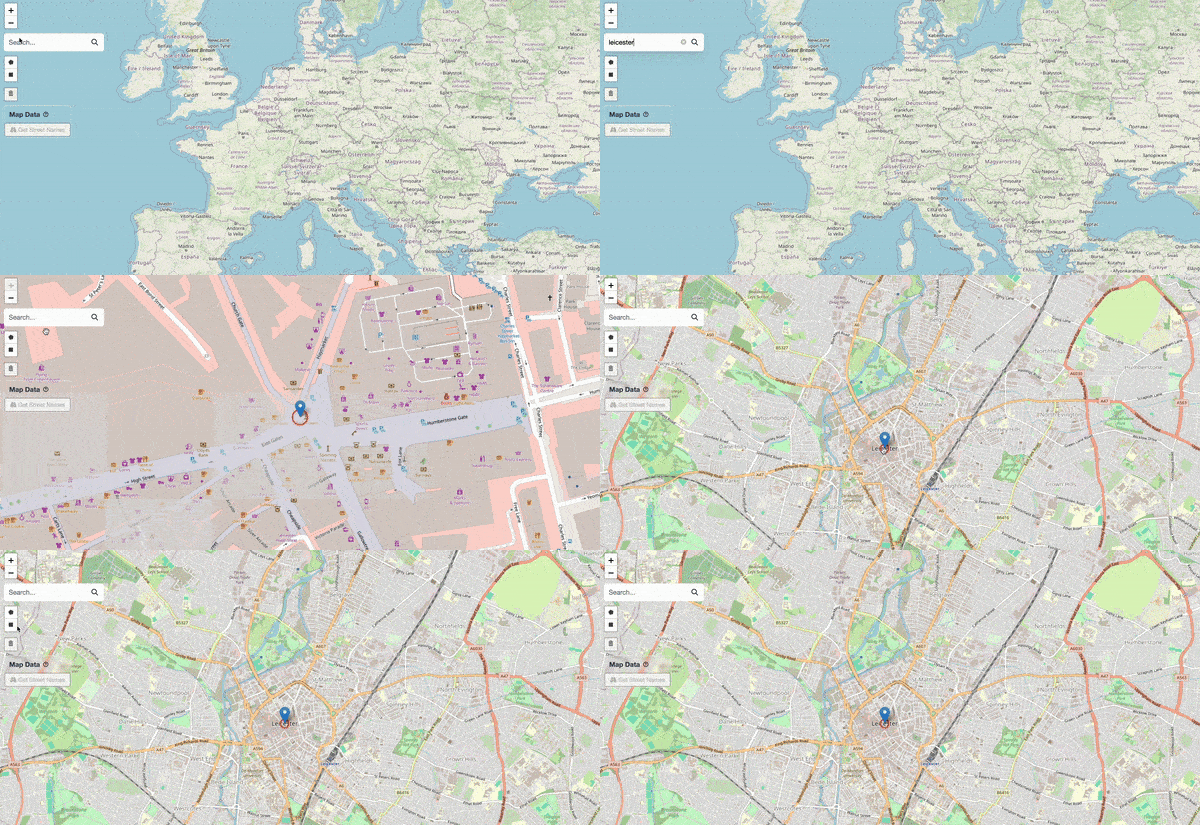
Map navigation demo
Map Navigation→Pan, zoom, double-click zoom, touch gestures, search locations.
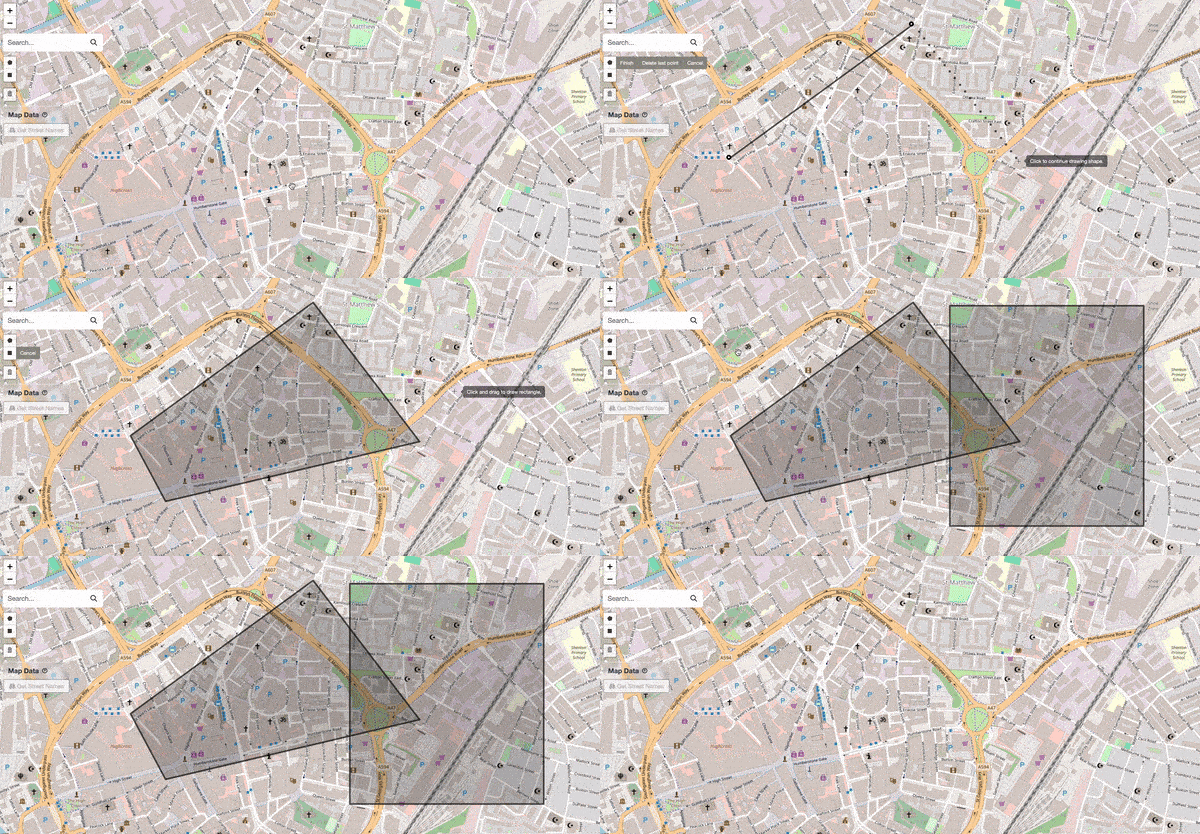
Drawing shapes demo
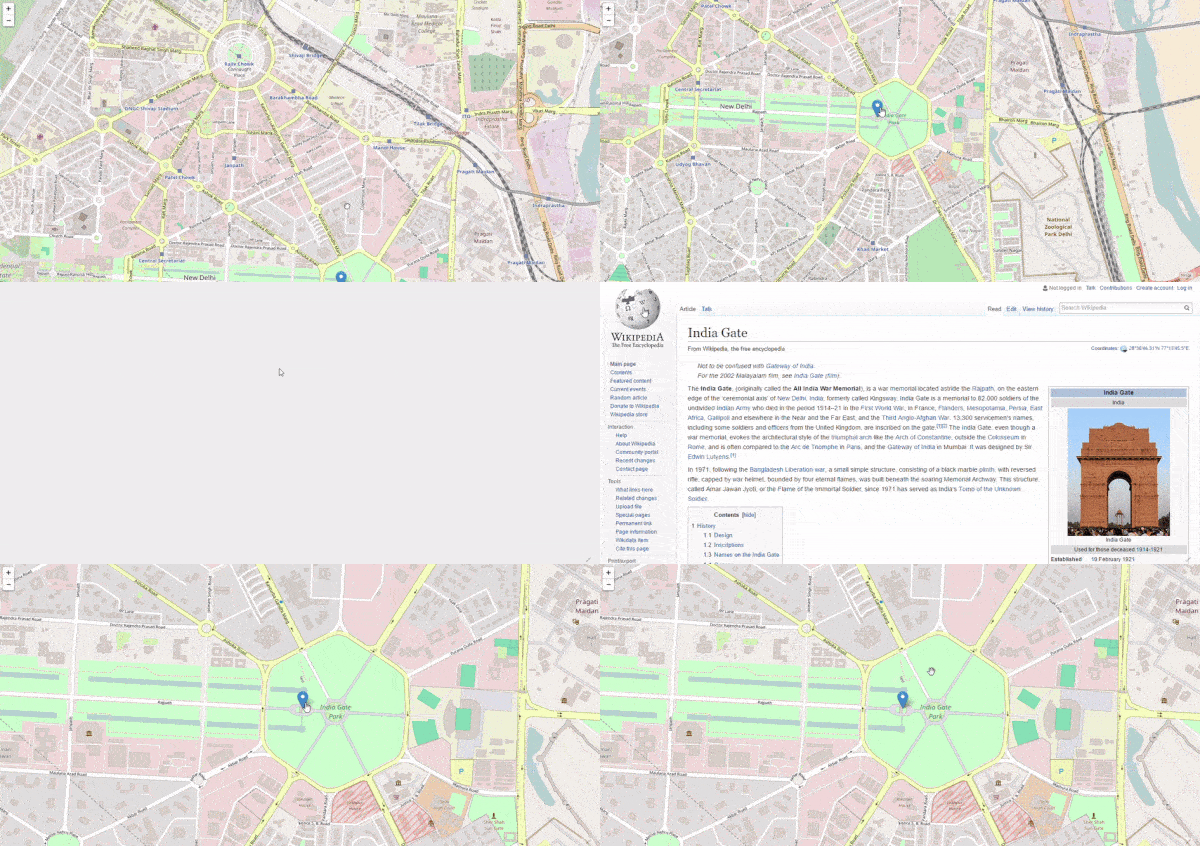
Drawing shapes demo
Shape Tools→Draw polygons, rectangles, and circles. Assign titles, teams, and categories.
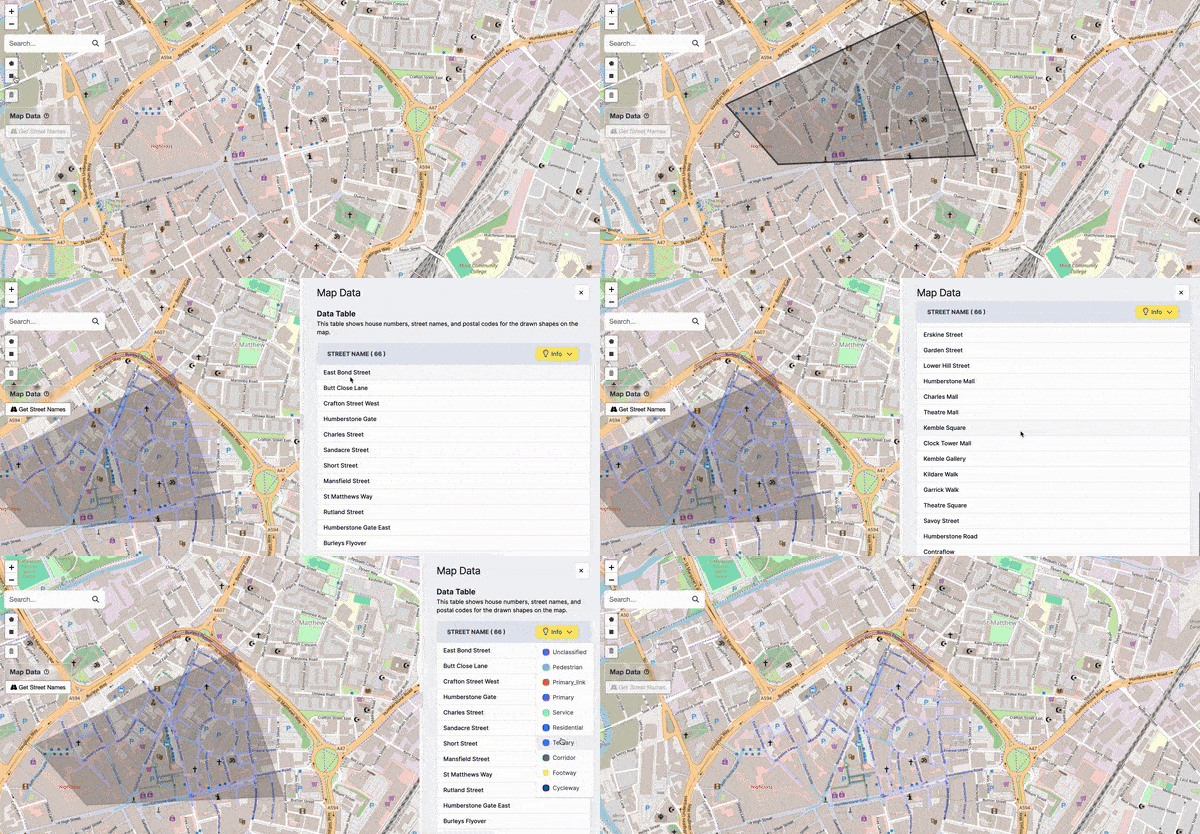
Data analysis demo
Data analysis demo
Data Analysis→Visualise streets, count addresses, and see real-time statistics.
Team management demo
Team Management→Create teams, assign shapes, and balance workloads visually.
Planning dashboard
Planning dashboard
Planning Dashboard→Aggregated metrics, data tables, and data-source indicators.
How It WorksNavigation

© 2026 Advanced Geolocation Mapping Tool

Developed byEsh07