Drawing Tools
Shapes are the building blocks of every AGMT project. Draw them on the map, assign them to teams, and let the platform handle the analysis.
Preview
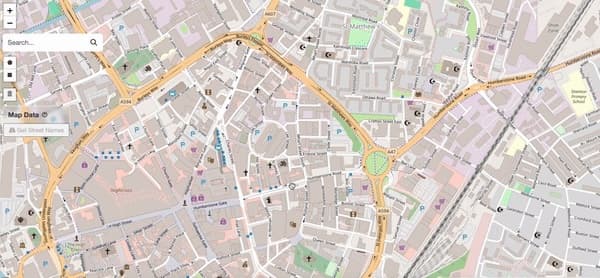
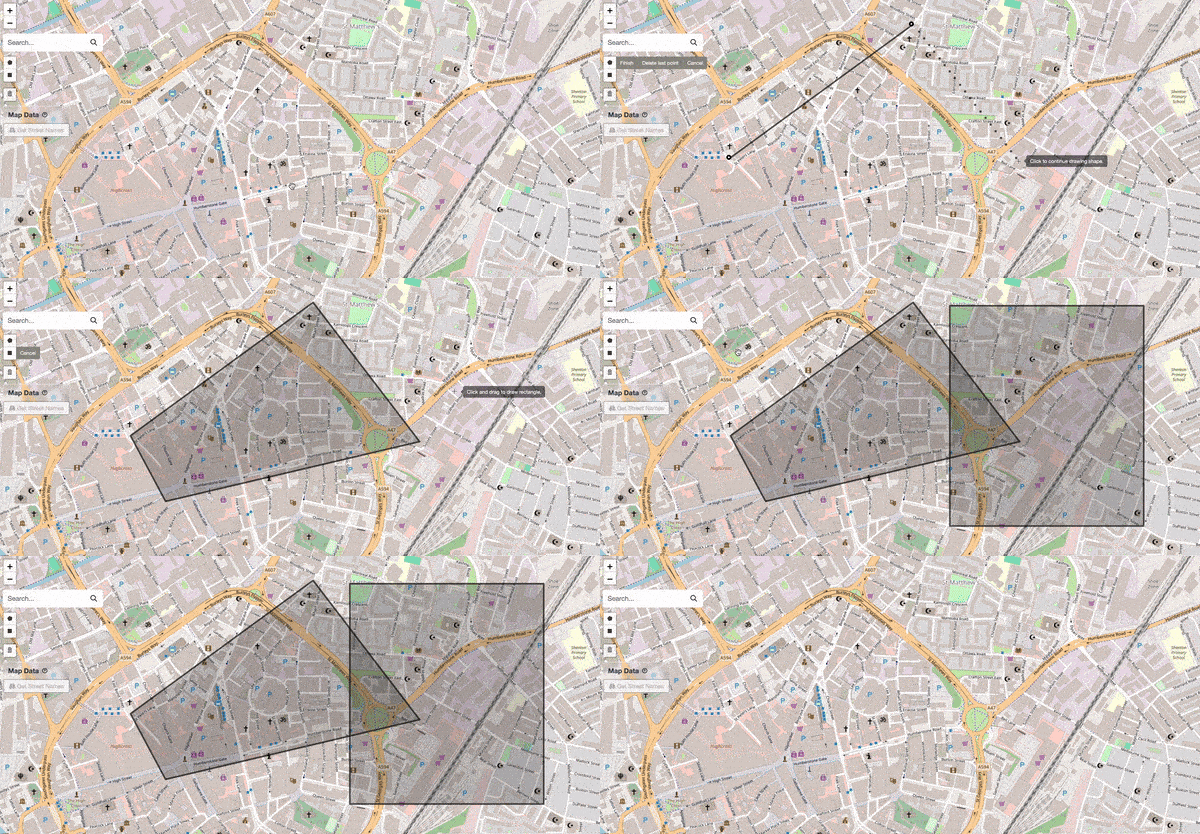
Drawing shapes on the map
Available Drawing Tools
What You Can Do With Shapes
Once a shape is drawn, you have full control:
View Metrics
Area (
m² / ft²), perimeter, and other measurements appear automaticallyName It
Give it a title like "High Street North" for easy identification
Add Description
Add a description like "High Street North" for more context
Assign to a Team
The shape inherits the team's color for instant visual grouping
Custom Color
Set a custom color for the shape that overrides the team color
Categorize
Add optional labels like "Priority 1" for custom sorting
Edit & Delete
Adjust vertices or remove shapes you no longer need
For more details on managing your shapes list, see Shape Management.