Polygon Tool
Draw custom, multi-point boundaries of any shape. The polygon is the most flexible tool for territory mapping and data analysis.
⚠️
Polygons must be closed — connect the last point back to the first before running analysis.
Preview
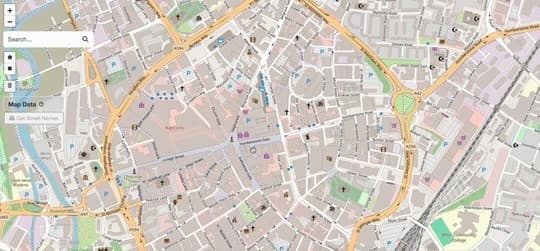
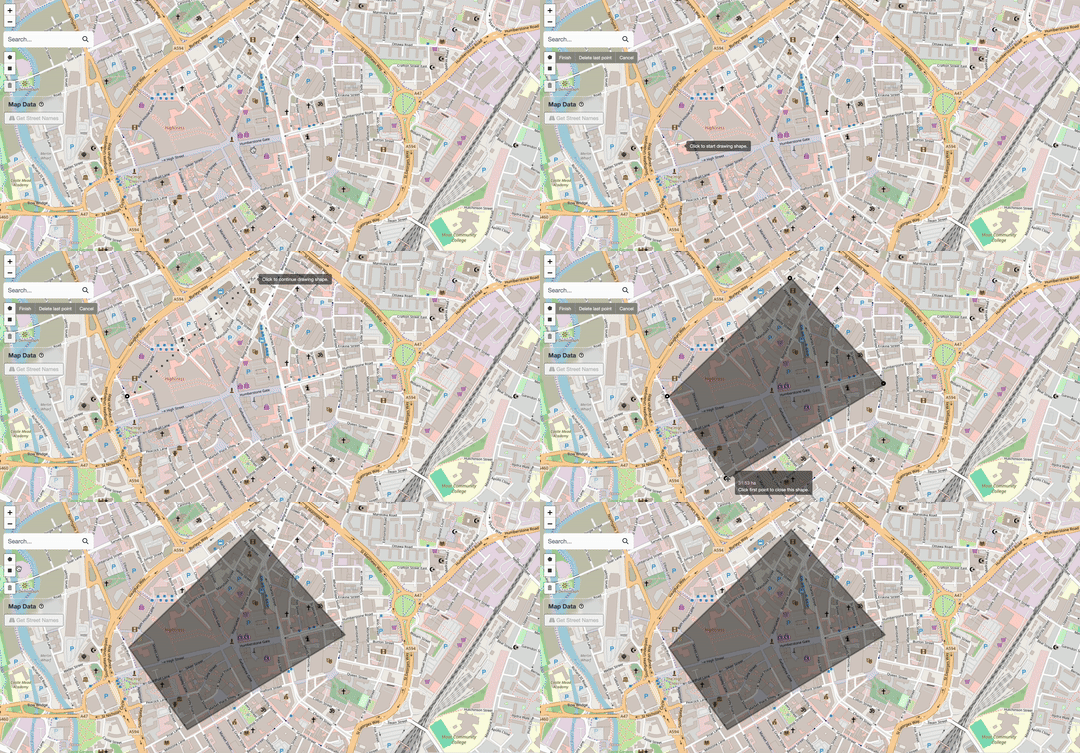
Drawing a polygon on the map
How to Draw
Select the Tool
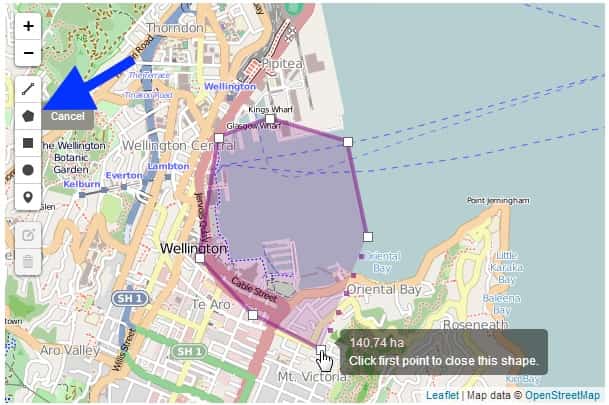
Enlarge
Click the polygon button in the toolbar (top-left).
Place Vertices
Click anywhere on the map to place the first point, then continue clicking to add more vertices. The outline updates in real time.
Close the Shape
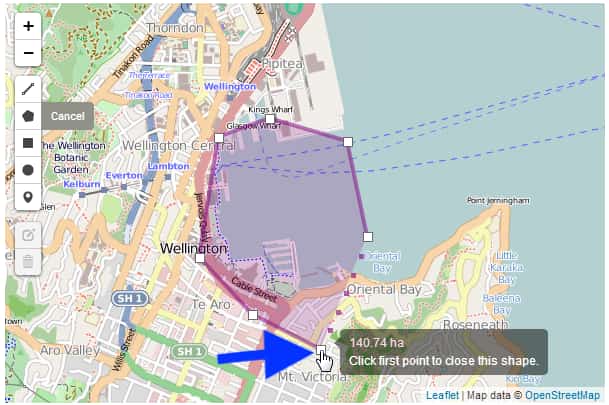
Enlarge
Click on the first vertex (highlighted) to close the polygon.
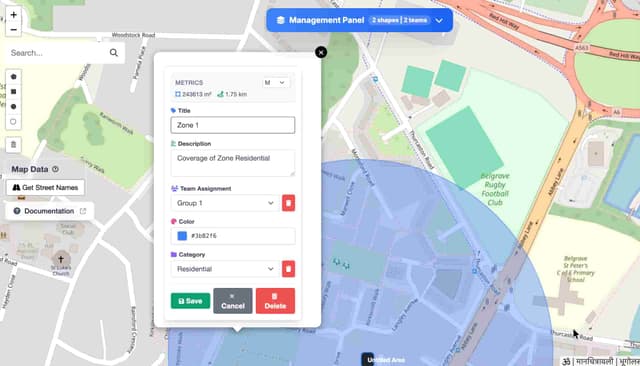
Set Shape Properties
After drawing, the Shape Details form appears. Use this to categorise your data for analysis.
Enlarge
Fill in:
- Title — Give it a name (e.g., "Zone 1")
- Description — Optional notes
- Team — Assign to a team
- Color - Give a custom color to shape
- Category — Residential, Commercial, etc.
Done!
You've successfully created a polygon.