Search Tool
The search bar lets you find any location in the world and fly to it instantly. Autocomplete suggestions appear as you type, making it fast and accurate.
Preview
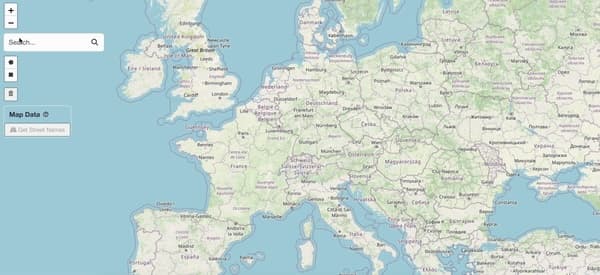
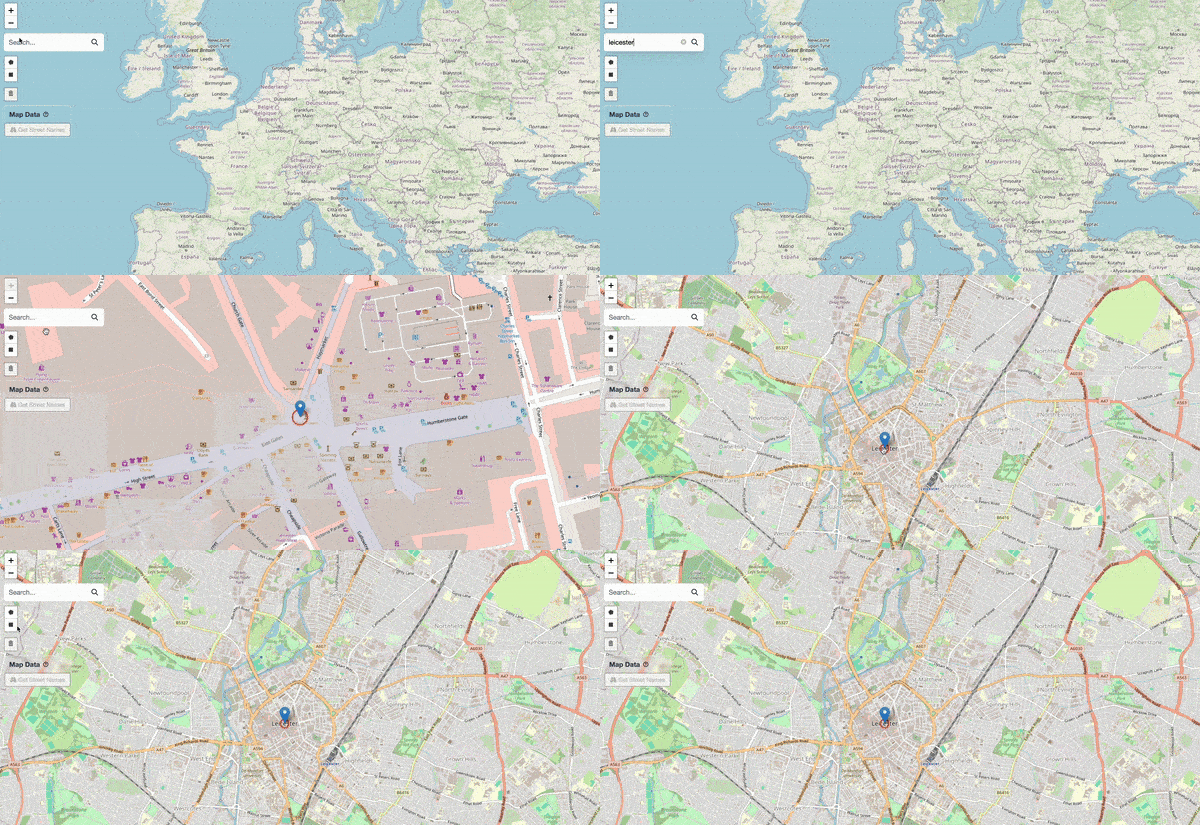
Searching for a location and flying to it on the map.
How to Use
Click the Search Bar
Look for the search input at the top-left corner of the map.
Type a Location
Start typing the name of the place you want to find — e.g. "Leicester". Autocomplete suggestions will appear.
💡
For common place names, add context to narrow results — e.g. "Leicester, UK" instead of just "Leicester".
Select a Suggestion
Click on the correct suggestion from the dropdown list.
Map Flies to Location
The map automatically pans and zooms to the selected location, giving you a detailed and focused view.
Done!
You've successfully explored the search functionality.